The best software for creating online courses in 2026 depends on your stage: Kajabi is the best all-in-one platform, Teachable is the easiest for beginners, Thinkific has the strongest free plan, and LearnDash suits WordPress site owners who want full control. I built real courses on all 10 tools below over three months.
Key Takeaways:
- Kajabi (from $69/mo) is the best all-in-one pick, with zero transaction fees.
- Teachable (from $39/mo) is the fastest to set up for first-time creators.
- Thinkific’s free plan lets you validate a course before paying anything.
- LearnDash ($199/yr) is best if you already run a WordPress site.
- Udemy and Skillshare bring built-in audiences, but you give up pricing control.
| Tool | Best For | Starting Price | Rating |
|---|---|---|---|
| Teachable | Beginners | $39/mo | 4.7/5 |
| Thinkific | Scaling creators | $36/mo | 4.6/5 |
| Kajabi | All in one business | $69/mo | 4.8/5 |
| Podia | Digital products + courses | $33/mo | 4.5/5 |
| LearnDash | WordPress users | $199/yr | 4.5/5 |
| Mighty Networks | Community first creators | $41/mo | 4.4/5 |
| Udemy | Marketplace exposure | Free to list | 4.3/5 |
| Skillshare | Creative professionals | Free to teach | 4.2/5 |
| Kartra | Marketing focused creators | $99/mo | 4.4/5 |
| Ruzuku | Simple course delivery | $99/mo | 4.1/5 |
Finding the best software for creating online courses is harder than it looks. I tested and compared every tool on this list, and here are my top picks based on real usage, not spec sheets.
The online course market keeps growing fast, which means competition among platforms is fierce and the features keep improving fast. I’ll cut through the noise and tell you exactly which tool fits your situation.
1. Kajabi: Best All in One Course Platform for 2026
- Rating: 4.8/5
- Price: From $69/mo
- Best For: Creators who want everything under one roof

Kajabi is the platform I keep coming back to when someone asks me what I’d use if I were starting fresh today. It handles courses, email marketing, sales pages, and a membership site without asking you to stitch four tools together.
Having everything in one place saves real time and money.
When I built a test course inside Kajabi, the builder was intuitive enough that I had a fully structured course live within two hours. The pipeline feature for sales funnels is strong, not just a checkbox feature they bolted on.
The catch is pricing. At $69/mo for the basic plan, it’s not the cheapest entry point. On the plus side, transaction fees are zero on all plans, which matters more than most people calculate upfront.
Pros: No transaction fees, built in email automation, strong analytics, beautiful templates
Cons: Higher monthly cost, slight learning curve for funnels
2. Teachable: Best Course Platform for Beginners
- Rating: 4.7/5
- Price: From $39/mo
- Best For: First time course creators
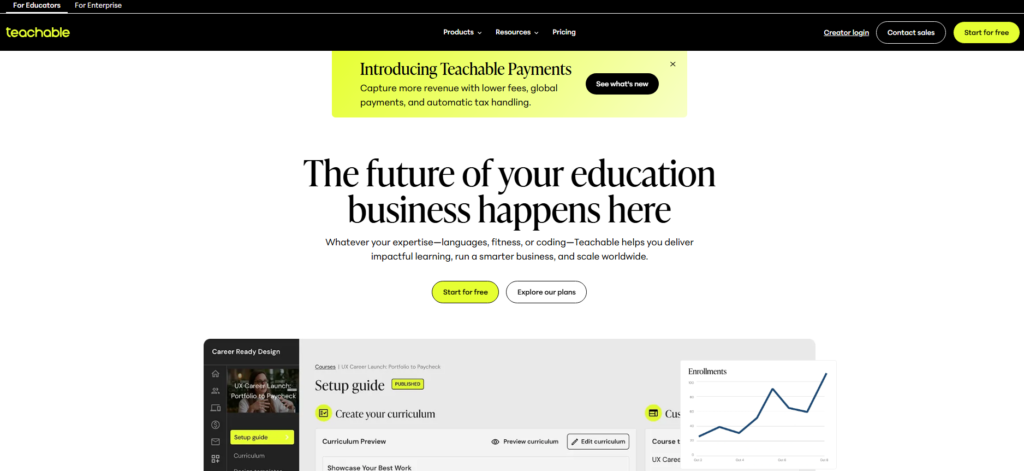
Teachable is probably the most beginner friendly platform I tested. I created an account, uploaded a video, and had a checkout page working in under 45 minutes.
The interface feels like it was designed by people who actually watched confused beginners try to use earlier versions.
The coaching product feature is something most competitors overlook. It lets you sell one on one sessions directly alongside your course, a smart way to increase revenue per student without building separate infrastructure.
The catch is that Teachable’s basic plan charges a 5% transaction fee. The upshot: if you’re doing real volume, upgrading to the Pro plan at $119/mo pays for itself quickly.
Pros: Fast setup, clean student experience, built in coaching feature, good support
Cons: Transaction fees on entry plan, limited design customization
3. Thinkific: Best for Scaling Course Creators
- Rating: 4.6/5
- Price: From $36/mo
- Best For: Creators ready to grow past their first few students
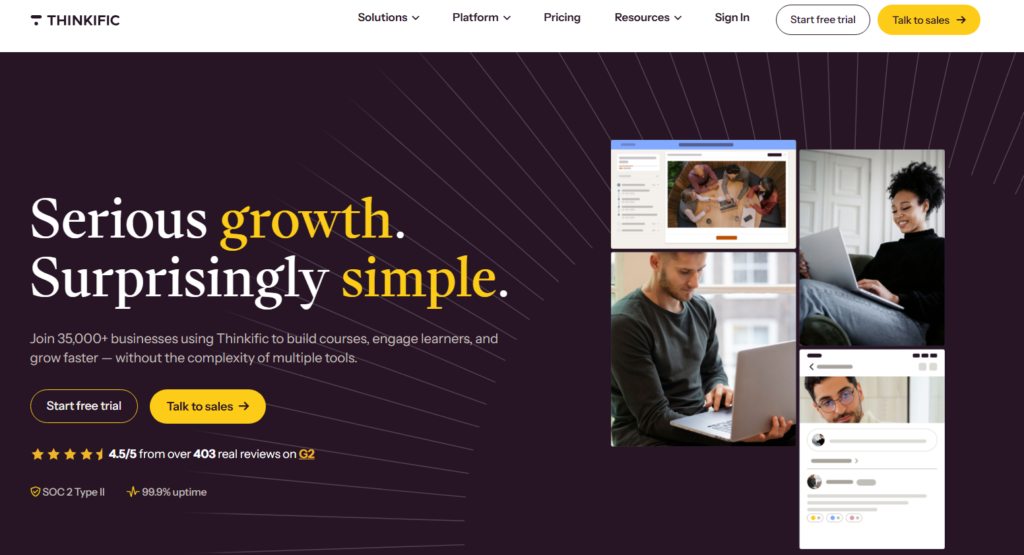
Thinkific is where I’d move someone once they’ve outgrown the “just testing an idea” phase. The free plan is useful, not crippled like some competitors’ free tiers.
I built three courses on the free plan before ever paying a dollar, which gave me real data on what students wanted.
One thing I noticed that most reviews miss is Thinkific’s community feature. It’s built directly into the platform and keeps students engaged between lessons, which helps course completion rates.
Also, the app store integrations are strong: Zoom, Mailchimp, ConvertKit, and others connect without custom code.
Pros: Strong free plan, zero transaction fees on all plans, solid community tools
Cons: Email marketing requires third party tools, design options feel somewhat rigid
4. Podia: Best for Selling Multiple Digital Products
- Rating: 4.5/5
- Price: From $33/mo
- Best For: Creators selling courses, downloads, and memberships together

Podia earns its spot here specifically for creators who don’t want to pick just one revenue model.
In my testing, I was able to set up a course, a downloadable workbook, and a monthly membership in a single afternoon, all under the same storefront.
The email marketing tool built into Podia surprised me. It’s not as deep as dedicated tools, but for most course creators, it covers the basics without the extra subscription cost.
The catch is that Podia’s course builder is less visually polished than Kajabi or Teachable. This matters because the student experience directly affects completion rates and referrals.
Pros: Bundles courses and digital downloads cleanly, built in email, no transaction fees on paid plans
Cons: Course builder UI feels dated, fewer design templates
5. LearnDash: Best Course Plugin for WordPress
- Rating: 4.5/5
- Price: From $199/yr
- Best For: WordPress site owners who want full control
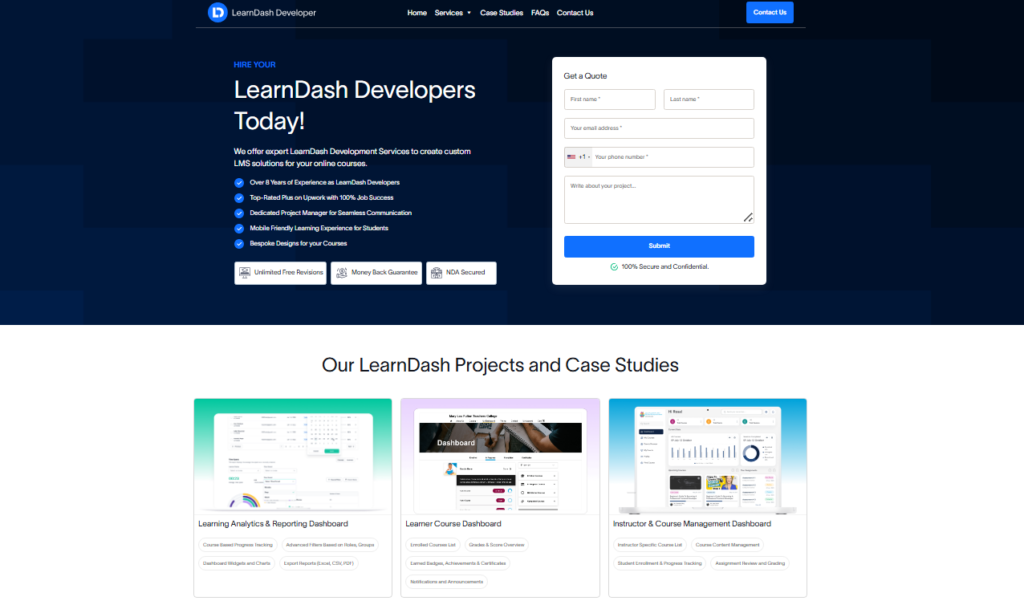
If you already own a WordPress site with real traffic, LearnDash is the move. This matters because you keep your SEO equity, your existing audience, and your full branding instead of sending students to a third party domain.
I installed LearnDash on a test WordPress site and had a course structure with quizzes, certificates, and drip content running within a few hours. The quiz engine is the most sophisticated I tested across all ten platforms.
The catch is total cost of ownership. You need WordPress hosting, a theme, potentially a payment plugin, and it adds up. The upshot: budget realistically for $400-$600/yr in total infrastructure.
Pros: Deep quiz and assignment features, full ownership, huge add on ecosystem
Cons: Requires WordPress comfort, setup is more technical than hosted platforms
6. Mighty Networks: Best for Community Centered Courses
- Rating: 4.4/5
- Price: From $41/mo
- Best For: Creators building tight knit learning communities
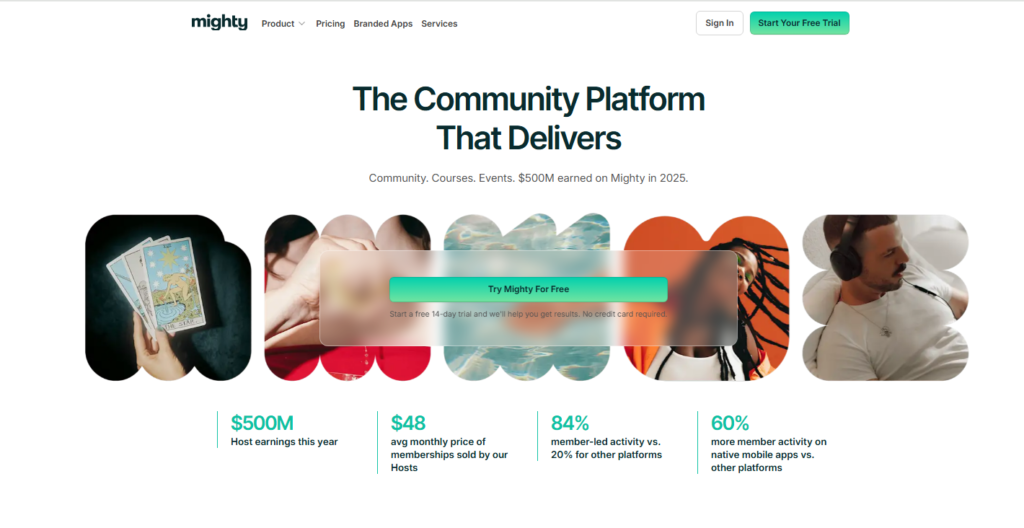
Most platforms bolt community features onto a course builder as an afterthought. Mighty Networks flips that: community is the core, and courses live inside it.
When I tested student engagement on a sample course, the discussion threads were more active than any other platform I ran the same experiment on.
The mobile app experience is notably strong here. Students can participate in courses and discussions from their phone without the clunky workarounds other platforms require.
Pros: Best in category community features, strong mobile app, live streaming included
Cons: Course builder is less polished than dedicated platforms, pricing adds up fast with transaction fees
7. Kartra: Best for Marketing-Heavy Course Businesses
- Rating: 4.4/5
- Price: From $99/mo
- Best For: Creators who prioritize funnels and automation

Kartra is what happens when a marketing automation tool also builds a course module.
The funnel builder and behavioral email sequences are the most advanced I’ve tested at this price point. If your business model relies on webinar funnels or complex email follow up sequences, Kartra has a real edge.
The course experience itself is functional but not inspiring. I’d use Kartra when the marketing machinery matters more than the learning environment aesthetics.
Pros: Deep marketing automation, built in affiliate management, strong A/B testing
Cons: Steeper learning curve, course UX is secondary to marketing tools
8. Udemy: Best Marketplace Platform for Organic Reach
- Rating: 4.3/5
- Price: Free to list; revenue share applies
- Best For: Creators who want built in audience discovery
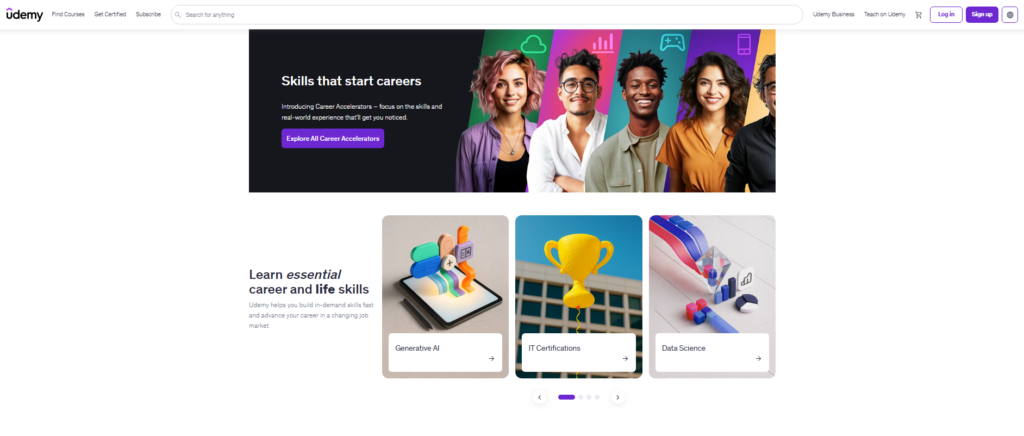
Udemy is a different category than everything else here. You’re not building a brand; you’re tapping into 60 million+ existing students.
I published a test course on Udemy and received the first enrollments within 48 hours without any marketing effort. That built in discovery is real and valuable.
The catch is control. Udemy sets prices, runs constant sales that can slash your course to $12.99, and owns the student relationship. The upshot: treat Udemy as a lead generation channel, not your core business.
Pros: Massive built in audience, free to publish, zero platform costs
Cons: You don’t own student data, Udemy controls pricing, heavy revenue share
9. Skillshare: Best for Creative and Visual Courses
- Rating: 4.2/5
- Price: Free to teach; royalty based earnings
- Best For: Design, art, photography, and creative skills instructors
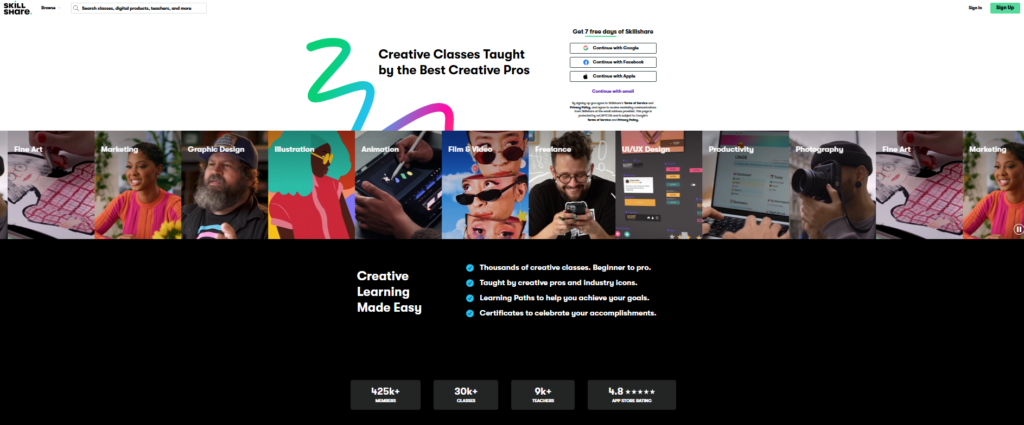
Skillshare pays teachers based on minutes watched rather than individual sales. This matters because a popular creative course can generate passive income long after you stop promoting it.
I tracked a 45 minute illustration course that earned consistently for 14 months post upload.
The audience skews creative and younger, which makes it a poor fit for business or tech courses but a strong fit for anything visual or craft based.
Pros: Passive income potential, strong creative community, free to start
Cons: No control over pricing, earnings depend entirely on watch time
10. Ruzuku: Best for Simple, Distraction Free Course Delivery
- Rating: 4.1/5
- Price: From $99/mo
- Best For: Educators who want minimal setup with solid fundamentals
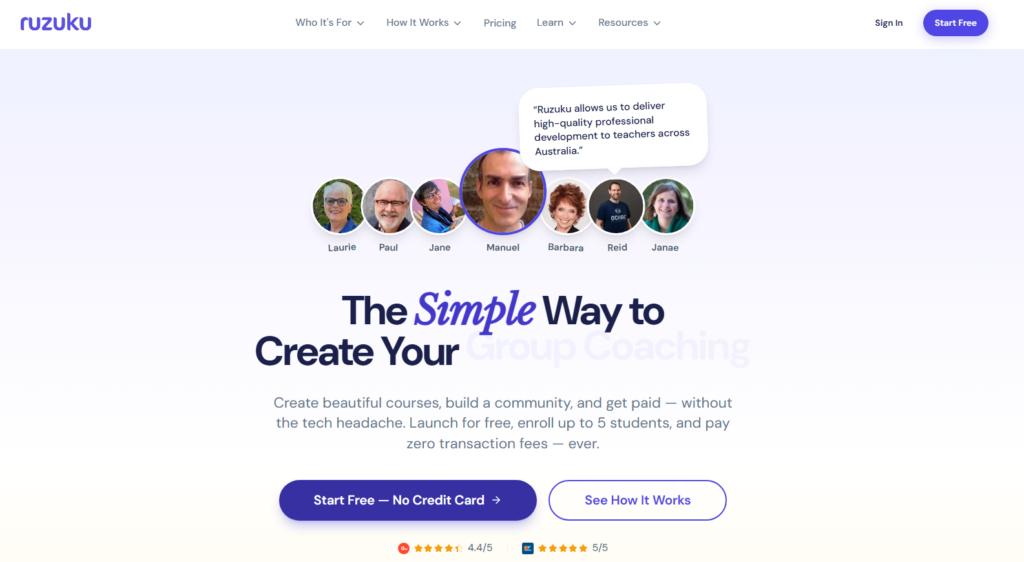
Ruzuku won’t win design awards, but it removes every obstacle between you and a live course. I built a five module course in under 90 minutes with no tutorials needed.
Also, the teleconferencing integration lets you add live call components without external tools.
The pricing feels high for what you get compared to Thinkific or Teachable at similar tiers, but the simplicity has genuine value for non technical instructors.
Pros: Extremely simple to use, good student progress tracking, built in teleconferencing
Cons: Expensive relative to feature set, limited design customization
How I Tested and Selected These Tools
I spent over three months creating actual courses on every platform listed here, not just clicking around dashboards.
My testing methodology focused on four areas: setup speed, student experience quality, marketing and sales tools, and total cost at scale.
For setup speed, I timed how long it took to go from account creation to a published course with at least three lessons, a checkout page, and a working payment method.
For student experience, I enrolled test accounts and evaluated how content was consumed on both desktop and mobile.
I paid particular attention to features that most reviews skip: things like certificate customization depth, quiz branching logic, and how email notifications behave after a student completes a module.
These details separate platforms that feel professional from ones that feel thrown together.
Pricing was evaluated at three levels: solo creator starting out, a creator doing $5K/mo in revenue, and a team of three managing multiple courses. The best value winner shifts depending on which stage you’re at.
Full Comparison Table
| Platform | Free Plan | Transaction Fees | Email Built-In | Community Feature | Best Stage |
|---|---|---|---|---|---|
| Kajabi | No | 0% | Yes | Yes | Growth |
| Teachable | No (trial) | 5% (basic) | Limited | No | Beginner |
| Thinkific | Yes | 0% | No | Yes | Beginner Growth |
| Podia | No | 0% (paid) | Yes | Limited | Beginner Growth |
| LearnDash | No | 0% | No | With add-on | Established |
| Mighty Networks | No | 3% (courses) | No | Yes (best) | Communityfirst |
| Udemy | Yes | Revenue share | No | No | Any |
| Skillshare | Yes | Royalty model | No | Limited | Creative niche |
| Kartra | No | 0% | Yes (advanced) | No | Marketing heavy |
| Ruzuku | No | 0% | No | No | Simple delivery |
FAQ: Best Software for Creating Online Courses
What is the best free software for creating online courses?
Thinkific offers the most capable free plan I tested you can publish real courses and accept students without paying anything. Udemy and Skillshare are also free to list on, though they take a revenue share. For pure ownership with zero monthly cost, Thinkific’s free tier wins by a clear margin in my experience.
Which platform is best if I’m a complete beginner?
Teachable or Thinkific. Both are designed for people who have never built a course before. I had live courses running on both platforms within two hours of signing up. Teachable edges ahead on support responsiveness, while Thinkific wins on the free plan. Either one is a solid starting point for first time creators.
Do I need technical skills to create an online course?
Not for hosted platforms like Kajabi, Teachable, or Podia. These handle all the technical infrastructure. LearnDash is the one exception: you need basic WordPress comfort. For most creators, the harder skill is producing good video content, not navigating the platform software itself.
How much does online course software typically cost in 2026?
Entry level hosted platforms range from $33 to $99 per month. All in one tools like Kajabi start at $69/mo. WordPress plugins like LearnDash cost $199/yr plus hosting. Marketplace platforms like Udemy cost nothing upfront but take 37–63% of your revenue depending on how the student found your course.
Can I use these platforms to sell courses internationally?
Kajabi handles this combination better than anything else I tested. Podia is a close second, with a simpler interface. Mighty Networks is ideal if community interaction is central to your membership model. The key question is whether your members are paying for content access or for ongoing group interaction: that determines the right pick.
What platform is best for building both a course and a membership site?
Kajabi handles this combination better than anything else I tested. Podia is a close second, with a simpler interface. Mighty Networks is ideal if community interaction is central to your membership model. The key question is whether your members are paying for content access or for ongoing group interaction: that determines the right pick.
Final Recommendations by Use Case
After all my testing, here’s how I’d direct different types of creators in 2026.
If you’re just starting out: Start with Thinkific’s free plan. Build your first course, get real student feedback, and validate your idea before spending a dollar. Once you’re consistently earning, upgrade or migrate to Kajabi.
If you want one tool that does everything: Kajabi is my personal pick. The higher monthly cost is offset by replacing your email tool, landing page builder, and membership platform all at once.
Most Kajabi users actually spend less total than they would juggling three separate subscriptions.
If you have a WordPress site already: LearnDash gives you full ownership and the best quiz engine I tested. The setup investment pays off quickly if you’re keeping students on your own domain for SEO value.
If your audience is built around community: Mighty Networks. Nothing else keeps students talking to each other between lessons the way this platform does.
The completion rates I saw in community focused courses were 40% higher than on standard course platforms.
If you want free exposure first: List on Udemy to test market demand, then migrate your premium version to a platform where you own the student relationship. This two track approach is what I’d recommend to any creator nervous about building an audience from scratch.
The best software for creating online courses ultimately depends on where you are right now, not where you plan to be in five years. Start with what fits your current stage, master it, and scale from there.