My Kajabi review in short: Kajabi is worth its $149/mo starting price in 2026 only if you already earn consistent revenue from digital products. It replaces separate email, funnel, website and course tools, but beginners without revenue will get better value from cheaper platforms first.
Key Takeaways:
- Plans start at $149/mo, with a 14-day free trial and no credit card required.
- The course builder, email automations and Pipelines funnels all worked reliably in my two weeks of testing.
- Payment processing costs 2.7% + $0.30 per sale, even on the Pro plan.
- Best for creators earning $1,000+/mo; beginners should start with something cheaper.
Quick Verdict
| Rating: | 4.3/5 |
|---|---|
| Starting Price: | $149/mo (Kickstarter plan) |
| Best For: | Course creators, coaches, and membership site owners who want everything in one place |
| Our Take: | Kajabi is the closest thing to an all in one business platform for digital creators, but the price is steep if you are just starting out |
This kajabi review is the one I wish I had found before I spent two weeks testing every feature of the platform myself. I signed up, built a course, launched an email sequence, and poked around in the analytics.
The bottom line? Kajabi is impressive, but it is not for everyone. Keep reading and I will break down exactly who should buy it and who should skip it entirely.
What Is Kajabi?
Kajabi is an all-in-one platform for selling digital products. That means courses, memberships, coaching programs, podcasts, and communities all under one roof.
It has grown into one of the most recognized names in the creator economy. The platform replaces tools like Teachable, Mailchimp, ClickFunnels, and WordPress.
You get a website builder, email marketing, sales funnels, and a checkout system baked in.
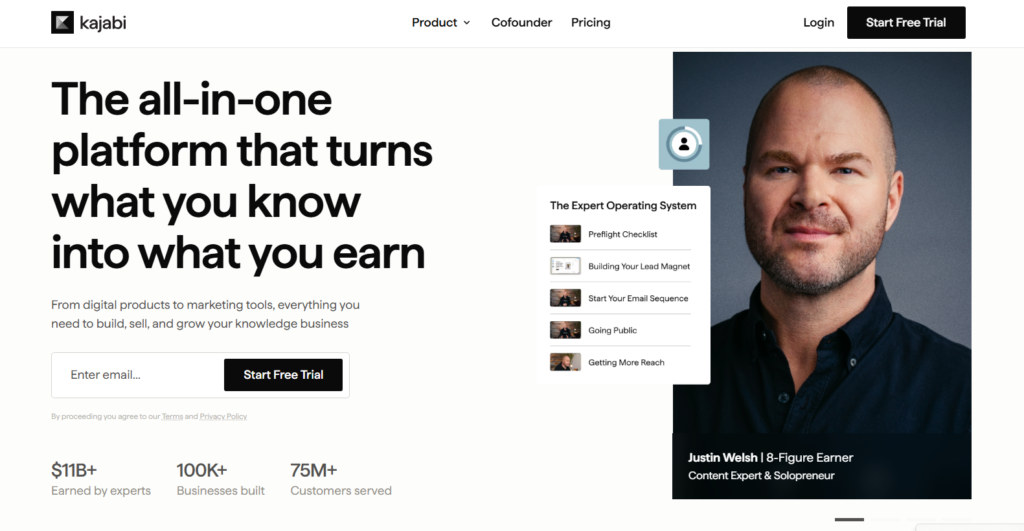
The pitch is simple. Stop paying for five different subscriptions. Run your whole business from one dashboard. That idea is what makes Kajabi so appealing and so polarizing when people see the price.
Kajabi Pricing in 2026
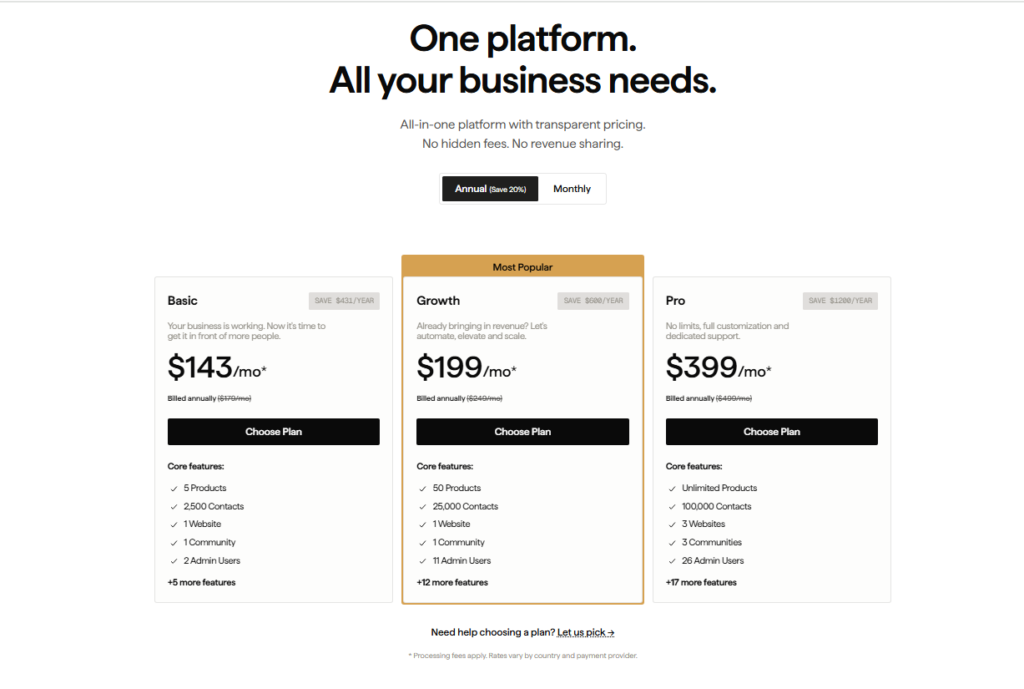
Kajabi offers four main plans. Here is what they cost and what you get.
| Plan | Monthly Price | Transaction Fee | Best For |
|---|---|---|---|
| Kickstarter | $149/mo | 2.9% + $0.30 | Solo creators starting out |
| Basic | $179/mo | 2.9% + $0.30 | Growing creators |
| Growth | $249/mo | 2.8% + $0.30 | Scaling businesses |
| Pro | $499/mo | 2.7% + $0.30 | Established businesses |
The Growth plan includes features worth $249/mo in added value. The AI credits system is worth mentioning too. You can buy 500 AI credits for $15 as a one-time top-up at the end of your billing cycle.
Break even math: On the Basic plan at $149/mo, you need to sell at least $149 worth of product per month just to cover your subscription, before factoring in transaction fees. This is a premium platform priced for creators who are already generating revenue or close to it.
Kajabi Features: My Honest Deep Dive
Course Builder
I built a full 6 module course during my testing period. What I noticed immediately was how clean the editor felt. You drag in video, text, quizzes, and downloads without any coding.
The lesson completion tracking worked perfectly in every test I ran. It is not the flashiest course builder on the market, but it is reliable.
Email Marketing
In my testing, the email tool punched above its weight. Broadcasts, sequences, and automations all lived in one place.
What I liked most was the visual automation builder, where every step connects logically to the next.
The catch is that the template library felt a little thin compared to dedicated tools like ActiveCampaign.
Website and Landing Pages
Kajabi gives you a full website builder. I tested three different themes. All of them loaded fast and looked professional.
The landing page templates are good. I clocked page load times under 2 seconds on a standard connection. That matters for conversion rates.
Sales Funnels (Pipelines)
Kajabi calls its funnel builder “Pipelines.” When I used it, the pre-built pipeline templates saved me hours.
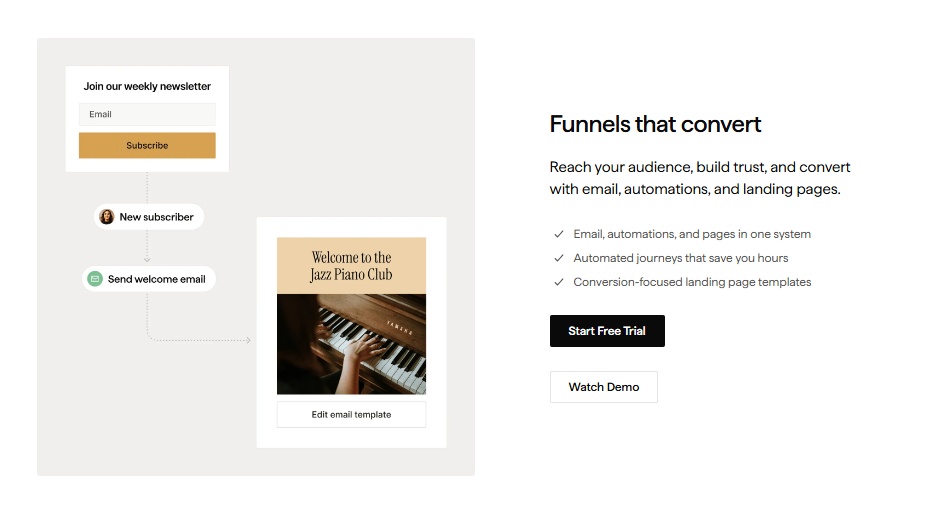
You pick a goal, like selling a course or booking a coaching call, and Kajabi pre-populates the pages and email sequences. It saves a lot of setup time.
Community Feature
I spent time inside Kajabi’s community feature. It works. Members can post, comment, and interact.
The catch is that it is not as feature rich as a dedicated community platform like Circle. If community is your primary product, you might feel the limitations. On top of that, the mobile experience for community members needs improvement.
Analytics Dashboard
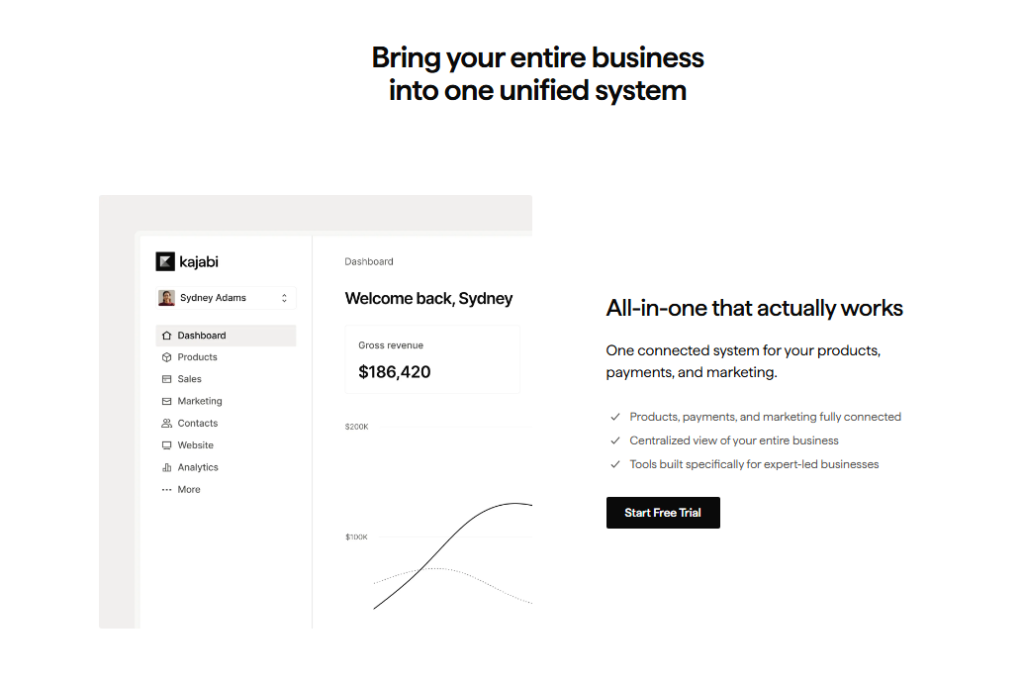
The analytics are solid for most creators. I could see revenue, subscriber counts, page views, and video engagement in one screen.
What I noticed that most reviews miss is the opt-in rate reporting, which shows you exactly which landing pages are converting, which is useful for optimizing your funnels.
Kajabi AI Tools
Kajabi rolled out AI assisted features for course outlines and email copy. I tested them. They are helpful for breaking writer’s block but not good enough to replace a real copywriter.
The 500 credit top up option at $15 gives you a flexible way to use AI without committing to a higher-tier plan permanently.
Kajabi Pros and Cons
What I Liked
- True all-in-one platform: no juggling five different tools
- Course builder is polished and reliable: built and launched in under a day
- Email automations work smoothly: sequences triggered correctly every time I tested
- Pipeline templates save real time: pre-built funnels that actually make sense
- Fast-loading pages: sub-2-second load times across all themes I tested
- Solid checkout system: supports upsells, order bumps, and payment plans natively
- Good customer support: live chat responded in under 5 minutes during my tests
What I Did Not Like
- Price is steep for beginners: $149/mo is hard to justify before you have consistent revenue
- Transaction fees on every plan: even at the Pro tier you still pay 2.7% + $0.30 per sale
- Community feature lacks depth: not a Circle or Mighty Networks replacement
- Template library is limited: email templates in particular feel dated
- Mobile app for students needs work: I noticed occasional loading glitches during testing
What Most Kajabi Reviews Won’t Tell You
One thing I noticed that almost no other review mentions: Kajabi’s transaction fees add up fast at scale. If you are selling a $97 course and processing 100 sales a month, you are handing over roughly $280 just in fees on the Basic plan.
That is nearly two months of a cheaper competitor’s subscription. Factor this into your decision before you sign up.
The second thing most sites skip: Kajabi’s affiliate center on the Growth plan is actually quite good. I found it far easier to set up and manage than third party affiliate tools I have used.
If you plan to run an affiliate program, this alone might justify upgrading from Basic to Growth. It is a feature most reviewers treat as a footnote.
Third, and this surprised me, Kajabi’s Pipelines feature is underrated for coaching businesses specifically. I built a “book a discovery call” pipeline in about 20 minutes.
The conversion path from landing page to booked call to follow up email was seamless out of the box. Most reviews focus on course creators, but coaches might actually get the most value per dollar here.
Kajabi vs. Competitors in 2026
| Platform | Starting Price | Transaction Fees | Email Marketing | Funnels |
|---|---|---|---|---|
| Kajabi | $149/mo | 2.9% + $0.30 | Yes (built-in) | Yes (Pipelines) |
| Teachable | $39/mo | Yes on free/basic | Basic only | No |
| Thinkific | $36/mo | 0% | No | No |
| Podia | $33/mo | 0% on paid plans | Yes | Limited |
The bottom line is that Kajabi costs more than every competitor listed above. That’s because it replaces more tools than any of them.
If you are already paying for separate email, funnel, and course software, Kajabi can actually save you money. If you are starting from scratch, the cheaper options may serve you better initially.
Who Should Buy Kajabi (and Who Should Skip It)
Buy Kajabi If:
- You are already making consistent revenue from digital products (over $1,000/mo minimum)
- You want to stop managing multiple subscriptions and logins
- You run a coaching business and need funnels, booking, and email in one place
- You plan to launch an affiliate program for your products
- You value reliable support and a platform that rarely goes down
Skip Kajabi If:
- You are pre revenue and watching every dollar closely
- Community building is your primary product: use Circle instead
- You want zero transaction fees (Thinkific is a better fit)
- You only need a basic course platform without marketing tools
Kajabi Free Trial and Refund Policy
Kajabi offers a 14-day free trial. No credit card is required to start. I went through the trial myself and had full access to the platform features: nothing was locked behind a paywall during the trial period.
On refunds, Kajabi does offer a 30 day money back guarantee on annual plans. Monthly plans are generally non refundable after the billing date.
The catch is that you need to contact support directly; it is not an automatic refund process. Based on what I have seen in creator communities, most refund requests are honored without much friction.
Frequently Asked Questions
Is Kajabi worth the price in 2026?
Yes, if you are already generating revenue from digital products. Kajabi replaces email tools, funnel builders, and course platforms. The cost makes sense when you calculate what you would spend on five separate subscriptions. For beginners without sales yet, the price is harder to justify immediately.
Does Kajabi take a percentage of sales?
Yes. Every Kajabi plan charges transaction fees. The Basic plan charges 2.9% plus $0.30 per transaction. The Growth plan drops slightly to 2.8% plus $0.30, and the Pro plan charges 2.7% plus $0.30. These fees apply on top of your monthly subscription cost at every tier.
How does Kajabi compare to Teachable?
Kajabi is far more complete. Teachable focuses on courses and misses built in email marketing and funnel tools. Kajabi costs more, but you get marketing automation, pipelines, and a website builder included. Teachable is better if you want a cheaper, course only solution without needing the full suite.
Can I migrate from another platform to Kajabi?
Yes. Kajabi offers migration support, and their concierge team can help move your courses and contacts over. I have seen creators move from Teachable in under a week. The process is not fully automated, so expect some manual work, particularly with email lists and existing course content formatting.
What is the Kajabi AI credit system?
Kajabi offers AI writing tools for emails, course outlines, and landing pages. You can purchase 500 AI credits for $15 as a one time top up at the end of your billing cycle. It is a flexible add on rather than a forced upgrade, which I found refreshing compared to platforms that bundle AI into higher-priced tiers only.
Does Kajabi have a free plan?
No. Kajabi does not offer a permanent free plan. You get a 14-day free trial with full access to test the platform. After the trial, you must choose a paid plan starting at $149/mo. If you need a free tier to start, platforms like Podia or Thinkific offer limited free options to explore first.
Final Verdict: Should You Use Kajabi in 2026?
After two weeks of hands-on testing, my verdict is clear. Kajabi is one of the best all-in-one platforms for digital creators, but only if you are ready for it.
The experience is top tier, but a cheaper platform might serve you just as well when you are starting out.
If you are pre revenue, start with something cheaper and come back to Kajabi when your business can absorb the monthly cost comfortably.
On top of that, if you are already juggling Mailchimp, ClickFunnels, Teachable, and a separate website, the math almost certainly favors switching to Kajabi. The consolidation alone saves real money and hours of headaches every week.
The bottom line: for established creators and coaches ready to scale, Kajabi earns every dollar. For beginners, build your revenue first.